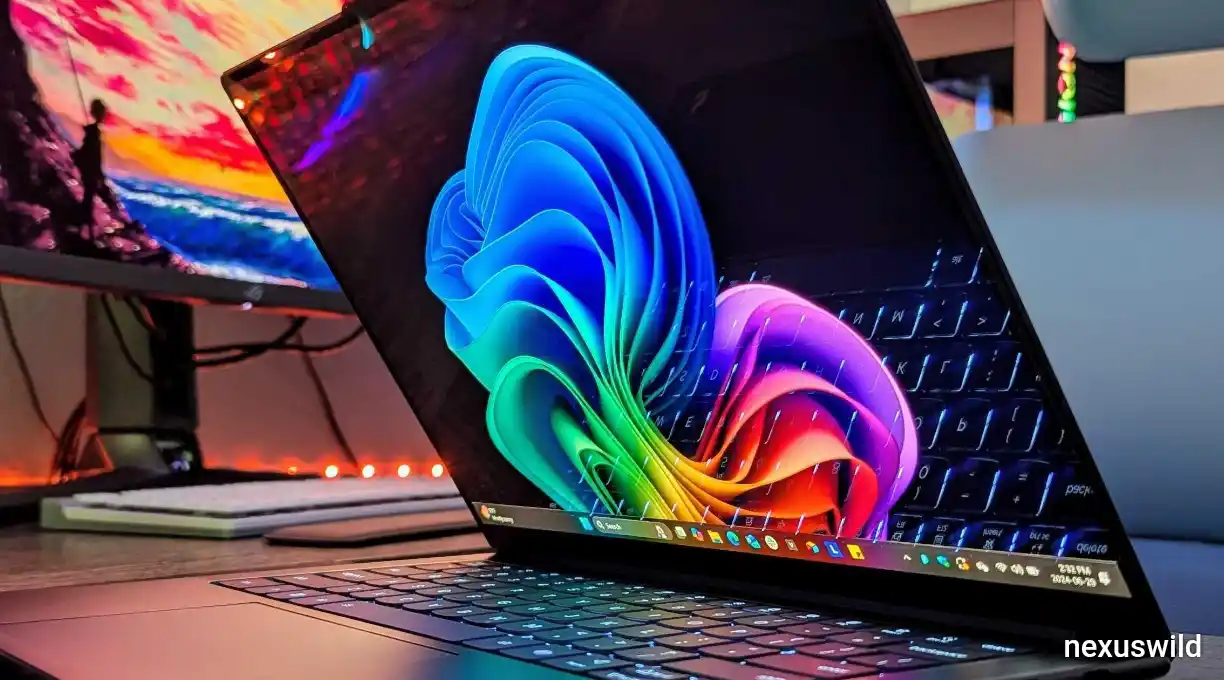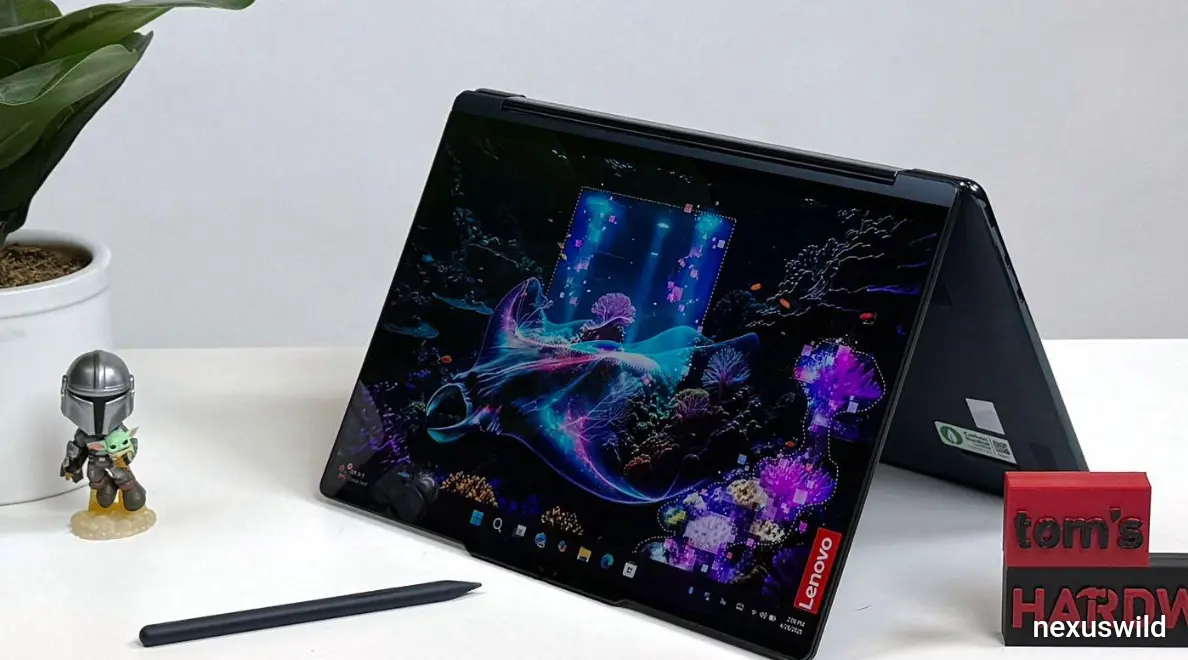

Laptop makers are trying ways to mix traditional controls with touchscreen use. A design from Lenovo’s Yoga line shown in October 2026 tech reports gives one example. It’s a laptop that supports stylus input on both the OLED touchscreen and the haptic trackpad.
This idea could help creative professionals work accurately without depending only on touch gestures or a separate drawing tablet. It also comes at a time when rumors suggest Apple might release a touchscreen MacBook Pro. That makes Lenovo’s design an example for the wider laptop industry.
There is a detail to keep in mind. The 16-inch laptop mentioned in the report seems to be the Lenovo Yoga 9n, not the Yoga 9i. The Yoga 9i line does include models with touchscreens. On some versions it even supports pen input on the touchpad. So the features described should be linked to the device and its setup.
A convertible design for working styles
Lenovo’s Yoga laptops are built around a hinge that lets the screen fold back. Depending on the model users can work in laptop mode prop the screen up in tent mode for viewing or fold it into a tablet-like shape.
Each mode has a purpose. Laptop mode works well for typing and regular productivity. Tent mode is handy for watching videos or sharing content in spaces. Tablet mode lets users touch the screen directly or use a stylus.. A large laptop may not feel as comfortable to hold for long periods as a smaller tablet.
For tasks the main benefit is flexibility. A user can switch between typing, touching the screen and using a pen without needing another device.
The hinge design, screen size and included accessories differ between Yoga models. Buyers should check the specs of a model instead of assuming all Yoga laptops offer the same features.
Why stylus input on a trackpad matters
Using a stylus on a touchscreen feels natural.. It can cause an ergonomic issue. The hand holding the pen might cover the part of the screen being edited. This gets in the way when making changes or working with fine details.
A trackpad that supports input offers another option. The user can keep their eyes on the screen while controlling the cursor or doing precise movements on the trackpad. A haptic trackpad uses vibration or other feedback to mimic clicks. It doesn’t rely on movement.
This setup doesn’t replace a drawing tablet entirely. Accuracy, pressure sensitivity, palm rejection, software support and the size of the input area all affect the experience. Still the idea could help photographers, designers and others who want control than a finger can provide.
Whether the trackpad supports pen input depends on the hardware and software. Not every stylus or app will support the gestures or pressure levels.
Potential uses in Photoshop and Lightroom Classic
Photo-editing software shows how dual-surface input might help. In Photoshop precise cursor control matters when selecting tools retouching images or adjusting tiny parts of a design. In Lightroom Classic users often move between viewing photos adjusting panels and tuning editing tools.
A compatible trackpad could help users make these changes while keeping the main screen clear. The touchscreen could still be used for navigation. The trackpad would give another place to move the cursor.
Software matters. The benefit depends on how the operating system handles pen input whether apps respond properly and how well the hardware tracks pressure and motion. A new input method only makes sense if it actually improves tasks.
Creative professionals would need to try the setup to see if it helps their workflow compared to a trackpad, mouse or drawing tablet.
What Apple could learn from hybrid laptops
Rumors say Apple is working on a touchscreen MacBook Pro.. The company hasn’t confirmed the design or specs. If a touchscreen MacBook comes out the big question is how Apple adds touch without harming the keyboard and trackpad experience.
Lenovo’s design shows one way: treat touch and pen input as tools, not replacements for existing controls.
Apple would have to decide on palm rejection, pressure sensitivity, pen charging, storage, software integration and comfort. Copying hardware isn’t enough. The whole experience must feel natural within macOS. The apps people use.
It’s too early to say if Apple will use a compatible trackpad. The Lenovo example is a reference for design ideas, not proof of Apple’s plans.
The trade-offs buyers should consider
Convertible laptops offer flexibility.. That comes with trade-offs. A hinge and touchscreen add complexity. Using a laptop in tablet mode might feel awkward. OLED screens give colors and contrast, but brightness, reflections and battery life are still important.
Stylus support also needs context. Some people benefit from pen input for editing or notes. Others may work faster with a mouse or trackpad. Adding features doesn’t automatically make a laptop worth the higher price.
Before buying a Yoga model buyers should check the display, pen compatibility, haptic trackpad support, storage and charging options. Features can vary between models and regions.
A design direction, not a solution
Lenovo’s idea of combining a touchscreen with a stylus-enabled haptic trackpad shows a bigger trend. Manufacturers are looking beyond the keyboard-and-mouse setup, for creative and mobile work.
The best innovations solve problems. Examples include blocked views, imprecise controls or having to switch between devices. Whether this idea fits Apple’s MacBook line depends on how it’s built, the software and real-world testing.
For now Lenovo’s design gives an example of how hybrid input could grow. It doesn’t mean every creative person needs a laptop. It also doesn’t predict what Apple will release. The next step is to try the hardware and see if the extra flexibility actually helps in work.
Nexuswild welcomes factual corrections. Email contact@nexuswild.com with evidence and the article URL.