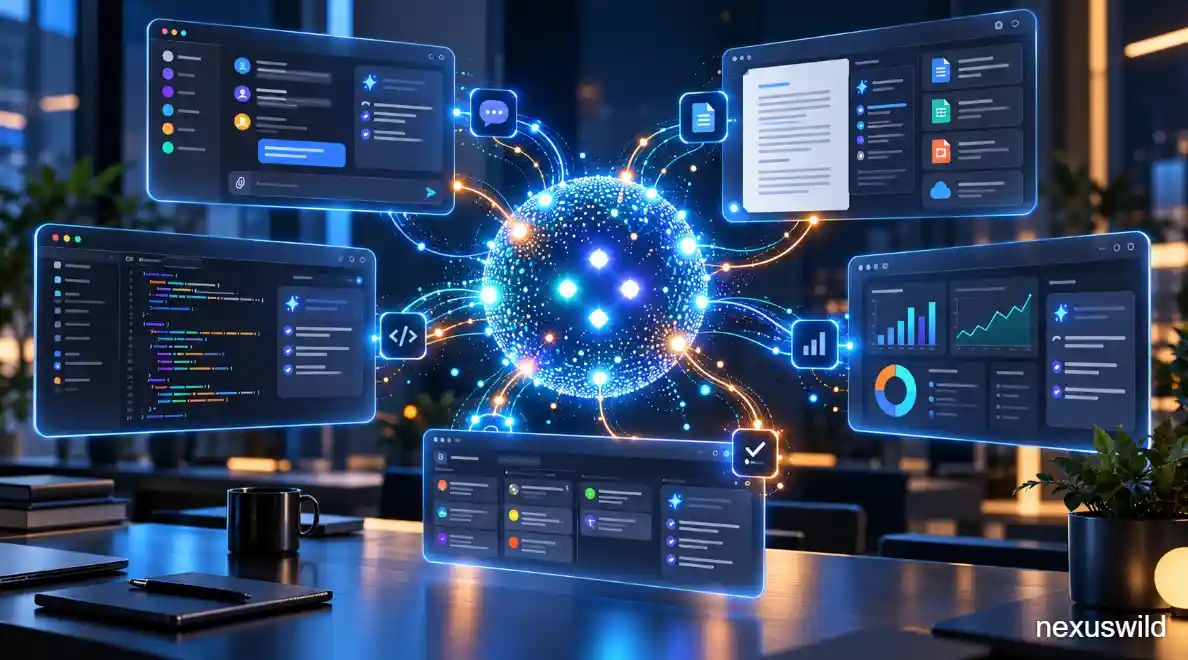

OpenAI is pushing ChatGPT beyond the familiar pattern of asking a question, receiving an answer and closing the conversation.
On September 29, 2026, the company introduced Dots, a new type of persistent AI agent designed to keep working on longer-running tasks after a conversation ends. Unlike a conventional chatbot that generally waits for the next prompt, a Dot can maintain ongoing responsibilities, use connected applications, run scheduled work and return when it needs a decision from its owner.
Dots were introduced alongside OpenAI's 2026 DevDay in San Francisco and are powered by GPT-6 Astra, the company's high-capability model for complex reasoning, computer use, coding and professional work.
The important word is not autonomous, however. It is persistent.
OpenAI gives users and organisations control over which applications a Dot can access, which actions require approval, whether it can use a local computer and which kinds of work it can perform without another confirmation. That makes Dots closer to continuously available digital workers than unrestricted autonomous software.
What Are OpenAI Dots?
A Dot is an AI agent that exists as an ongoing workspace rather than a single chat session.
OpenAI describes it as an "always-on" agent that can keep making progress between conversations. Each Dot has access to its own cloud computer and browser, allowing it to carry out multi-step work without requiring the user's personal computer to remain switched on.
That distinction changes how the system can be used.
A standard assistant might be asked to summarise a report, write an email or answer a question. A Dot can instead be assigned an ongoing objective: research a topic over time, watch a project for changes, prepare recurring updates, analyse new data or coordinate work that requires several tools.
Users can continue talking to the same Dot while it works, provide corrections and change priorities. OpenAI says the agent can also come back to the user when a decision requires human judgement.
In practical terms, OpenAI is trying to move the AI interface from individual requests toward delegated responsibilities.
How Dots Differ From Conventional AI Assistants
Most conversational AI systems are reactive.
A user submits a prompt, the model produces a response, and meaningful work usually stops until another prompt arrives.
Dots are designed around continuity.
They can remember relevant working context, maintain tasks over time and continue operating in their cloud environment after the immediate conversation ends. Scheduled and recurring tasks can also be managed through the Dot's profile.
That does not mean a Dot can independently do anything available on a computer.
Its capabilities depend on the tools, applications and permissions connected by the user or allowed by a workspace administrator.
For example, a company might allow a Dot to read information from certain business systems while requiring approval before it changes records. Another organisation could disable local computer access entirely.
OpenAI's permissions system allows connected applications to require approval before information is read or an action is completed. Sensitive actions can remain subject to additional confirmation even when lower-risk activities have broader permission.
This permission structure is central to understanding what "always-on" actually means.
The agent may continue working, but it is intended to do so inside boundaries established by the user and the organisation.
Working Across Connected Applications
The more consequential part of Dots may be their ability to work across software rather than inside one isolated AI window.
OpenAI's connected-app system lets ChatGPT access services such as Slack, cloud-storage platforms and other business tools when those services have been authorised. Depending on the individual integration, ChatGPT can search information, retrieve documents or perform supported actions.
Dots use those same permission-controlled connections.
If an employee already has access to a particular service through ChatGPT, the Dot may be able to use that connection, subject to the application, provider and workspace restrictions. Enabling Dots does not automatically grant access to an organisation's entire software environment.
That could make Dots useful for workflows that currently require employees to move manually between communication, research, documents and specialised software.
A Dot could, for example, gather authorised information from connected systems, analyse it, prepare a document and notify the owner when a decision is required.
The actual actions available depend on the connected application. OpenAI does not claim that every external service provides the same level of read-and-write functionality.
Dots Can Appear in Slack and Microsoft Teams
OpenAI is also trying to make the agent accessible where employees already communicate.
Dots can be connected to supported Slack and Microsoft Teams environments, allowing users to interact with the same agent outside the main ChatGPT interface. OpenAI's workspace controls specifically include permission for adding Dots to Slack and Microsoft Teams where those integrations are available.
In Slack, a Dot can participate under its own identity once the necessary workspace and user permissions have been granted.
OpenAI's documentation emphasises that merely adding the agent to a channel does not automatically give it permission to monitor everything or begin acting on messages. Users and administrators still determine what it can access and what can trigger work.
That distinction is important for businesses.
An AI agent operating inside a workplace communication system potentially encounters sensitive conversations, customer data and internal decisions. OpenAI therefore layers the Dot's own permissions on top of the existing access controls of connected applications and corporate workspaces.
How ChatGPT Work Fits Into Dots
Dots do not replace ChatGPT Work.
Instead, they can use or coordinate longer-running Work tasks when appropriate.
ChatGPT Work is OpenAI's environment for substantial multi-step projects such as research, analysis and document creation. It can use connected applications, browsers and cloud computing and can continue certain tasks beyond a single interactive exchange.
A Dot adds another layer on top of that capability.
The Dot can maintain responsibility for an ongoing objective and start or manage deeper tasks through Work rather than performing every operation itself inside one continuous agent session.
This makes the relationship similar to delegation.
The Dot remains the persistent interface the user talks to, while Work can handle a more substantial individual job under that broader responsibility.
OpenAI notes that tasks a Dot starts or manages in Work use the normal Work allowance associated with the user's plan.
Codex Gives Dots a Software-Development Tool
Software development works in a similar way.
OpenAI says a Dot can create tasks in Codex cloud environments when the user has already configured the relevant environment. It can also create Codex tasks on a connected local computer when the user has explicitly enabled local access.
Codex remains OpenAI's specialist environment for programming tasks such as writing code, debugging software, running tests and working with repositories.
The Dot therefore does not turn into a separate coding model.
Instead, it can coordinate Codex as one of the tools available to complete a larger objective.
Imagine a Dot responsible for monitoring a software project. It could potentially review authorised incoming information, identify an issue that requires engineering work and create a Codex task to investigate or implement a change, depending on the rules and permissions configured by the user.
Again, this does not remove human control. Code changes, repository permissions and other actions remain governed by the controls of the underlying environment.
A Cloud Computer of Its Own
One of the most important architectural differences is that every Dot has a cloud computing environment.
Its cloud computer allows the agent to work with a browser and supported software even when the user's device is offline.
For managed organisations, administrators can independently control cloud-browser access, network access and cloud-computer use.
A Dot can also be given access to a user's local computer, but this is optional.
OpenAI says local access starts disabled. The user must connect the machine through the ChatGPT desktop application and explicitly grant permission. When enabled, the Dot can use permitted files and create Work or Codex tasks on that machine. Revoking access stops that local capability.
For Enterprise customers, local computer access is also controlled at the workspace level and is off by default.
That separation between cloud and local computing is important because an agent operating on a personal or corporate machine carries different security implications from one running in an isolated cloud environment.
User Control Is Central to the Design
The idea of an AI agent working continually raises an obvious question: what happens when it makes a bad decision?
OpenAI's approach is to combine model safeguards with permissions, action approvals and configurable rules.
Users can define what their Dot may do independently and identify actions that should be brought back for review. Connected applications retain their own authorization boundaries, and workplace administrators can restrict which services and capabilities are available.
OpenAI has also published a dedicated safeguards assessment for Dots. The company says its safety review considered the risks created by persistent and proactive operation, building on protections already used with GPT-6 Astra and its agent systems.
That does not mean an always-running agent is risk-free.
Persistent systems can carry an incorrect assumption across several actions rather than producing only one incorrect answer. For businesses, reviewing permissions and defining clear boundaries may therefore be as important as choosing which tasks to delegate.
Who Can Use Dots?
OpenAI began rolling out Dots on September 29, 2026.
The company says access is being introduced gradually rather than appearing simultaneously for every eligible account.
At launch:
- Pro 100, Pro 200 and Pro 500 users aged 18 or older can receive access outside the European Economic Area, United Kingdom and Switzerland.
- Business Premium users are receiving Dots across supported regions.
- Enterprise customers have access through a beta that must initially be enabled by a workspace administrator.
Dots are created through ChatGPT on desktop web or through the desktop application.
OpenAI says the same Dot can subsequently be reached through other supported surfaces, including mobile as rollout support becomes available, as well as connected communication channels. Mobile web does not currently support Dots.
For the first month after launch, OpenAI says Dot usage does not count toward eligible Pro, Business and Enterprise plan allowances. Tasks that the Dot launches in products such as Work or Codex continue to use those products' normal allowances. OpenAI has said it will provide longer-term usage terms separately.
Why Dots Matter for Workplace AI
The significance of Dots is less about another chatbot interface and more about how OpenAI expects people to work with AI.
The first generation of widely used generative AI largely required people to initiate every interaction.
Agentic products are moving toward a model in which people define objectives and boundaries while software handles more of the steps between them.
Dots bring that idea into a persistent form.
A user can theoretically assign one an ongoing responsibility rather than repeatedly reconstructing context and issuing new prompts. Because the same agent can interact through ChatGPT and supported workplace channels while using Work, Codex and connected applications behind the scenes, OpenAI is trying to make it function as a continuing layer across a user's digital work.
Whether that approach becomes genuinely useful will depend less on demonstrations than on reliability.
An agent that works across multiple applications has more opportunities to save time, but also more opportunities to misunderstand instructions, act on stale information or encounter permissions it should not cross.
The product's usefulness will therefore depend on how effectively it balances persistence with supervision.
Conclusion
OpenAI's Dots represent a shift from AI that primarily responds to AI that can remain responsible for an ongoing piece of work.
Each Dot is powered by GPT-6 Astra, runs with its own cloud computer and can use authorised tools and applications. It can remain active after a conversation ends, coordinate deeper tasks through ChatGPT Work, create software-development tasks through Codex and communicate through supported workplace channels including Slack and Microsoft Teams.
But "always-on" should not be confused with unrestricted autonomy.
Users and administrators determine what the agent can access, which actions require approval and whether it can interact with a local computer. The underlying applications retain their own permissions as well.
That balance is likely to be the real test of Dots.
The technical challenge is no longer merely getting an AI system to complete a complicated task. It is getting that system to keep working over time, across several tools, while remaining inside the boundaries established by the person who gave it the job.
Nexuswild welcomes factual corrections. Email contact@nexuswild.com with evidence and the article URL.